[ sole designer ]
Veezo's design handoff, rebuilt:Working Flutter flows, not Figma screens
How I stopped delivering static Figma screens and started delivering tested Flutter flows - taking a full flow from about five days to about two.
Overview
Veezo was a personal CRM app built in Flutter. The product core was three people: our CEO, who acted as PM and backend developer; Ivan, our frontend developer; and me, the only designer.
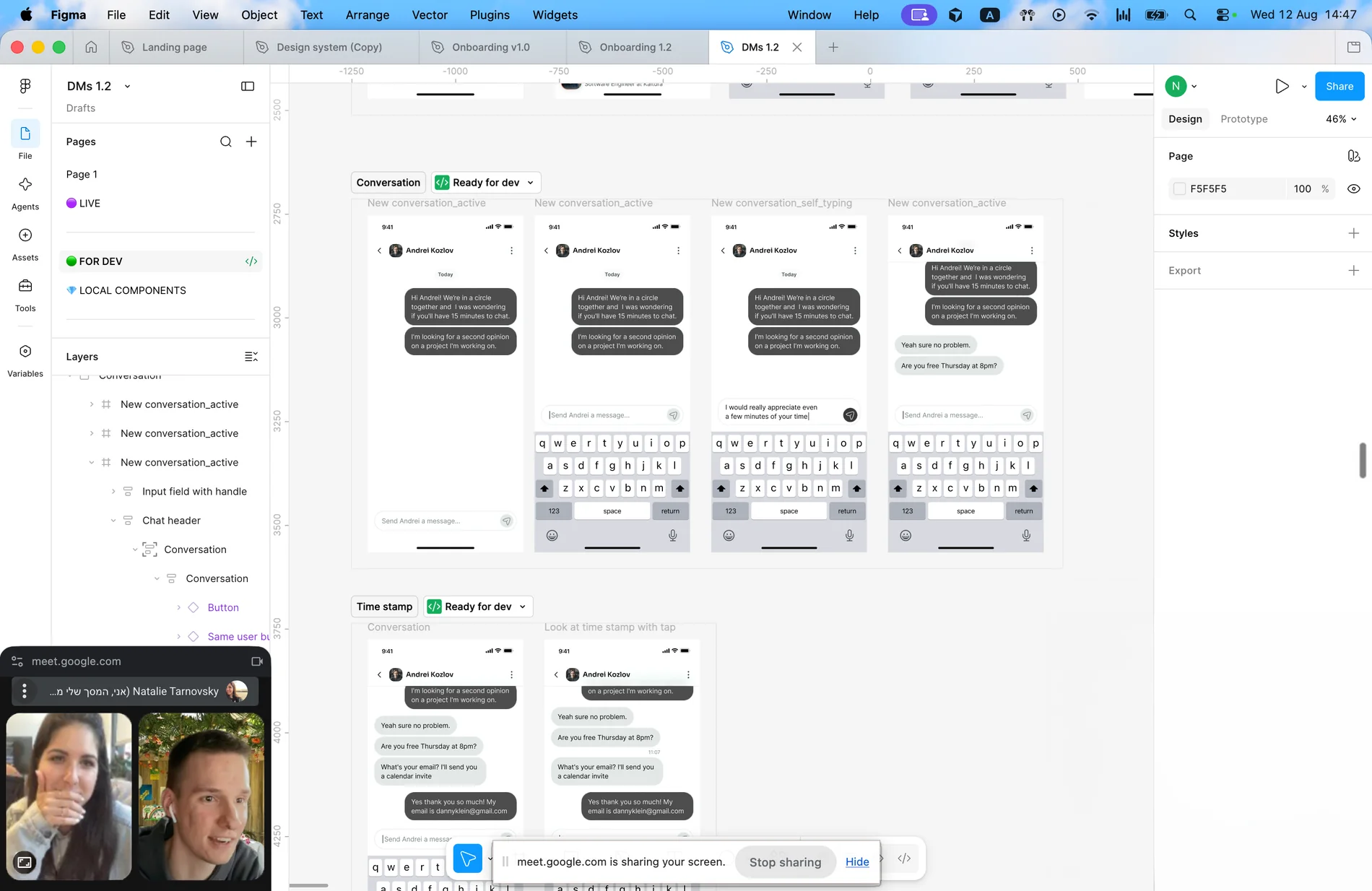
We started where everyone starts. I designed in Figma, marked the file ready for handoff, opened a task in Linear, and Ivan built it in Flutter. As the product grew, the design system grew with it - more components, more variants, more states, more documentation.
Veezo was a personal CRM built in Flutter by three people: our CEO, Ivan on frontend, and me, the only designer. I designed in Figma, marked it ready for handoff, and Ivan built it.
The original workflow
1Define the problem
Feature requests usually started with our CEO. I validated the need against user interviews, product goals and existing solutions. Together we mapped the flow and weighed UX value against technical effort early. Depending on the complexity, I either started with low-fidelity flows or moved straight into Figma.
2Design in Figma
Once the direction was clear, I designed the feature and prepared it for development. Our team was small, so communication was never the problem.
3Translate into Flutter
Ivan implemented the design in Flutter, then I reviewed it in the TestFlight sandbox. If something felt wrong, we adjusted, implemented and reviewed again.
Some UX issues only became obvious once I could actually use the feature - especially when we were designing less familiar or more novel interactions. We rarely had time to build high-fidelity prototypes, so the working product often became the first real interaction test.
The real bottleneck
Every design decision had to be translated twice.
Figma defined the intent.
Flutter defined the actual product.
Between them sat interpretation, implementation, review and correction.
Even with great communication, interactions, responsive behavior, content variations and component states still had to cross that layer.
The bottleneck wasn't communication. It was the gap between the design artifact and the product artifact.
Define the problem, design it in Figma, hand it off, review what Ivan built. Every decision had to be translated twice - the bottleneck wasn't communication, it was the gap between the design artifact and the product artifact.
The opportunity
Claude Code changed the trade-off.
Before AI-assisted coding became practical, moving design closer to production would have required much heavier frontend involvement from the start. That made the Figma-first workflow the most reasonable option.
But with Claude Code, I could start working directly with Flutter code without becoming the frontend owner.
This was the real opportunity.
Not replacing development. Not skipping review. Not pretending AI-generated code is automatically production-ready. Changing the starting point of the collaboration.
Instead of saying:
"Here is the design, please build it."
I could say:
"Here is a working flow, running in the simulator. Let's review the PR and make it production-ready."
Claude Code changed the trade-off: I could work directly in Flutter without becoming the frontend owner. Not replacing development - changing the starting point, from "here is the design, please build it" to "here is a working flow, let's review the PR."



Moving fast without losing control
AI made us faster - and less consistent
We started experimenting with vibe-coding parts of the app. At first the results looked surprisingly close to the product, mostly because Claude could rely on code Ivan had already implemented.
But it also invented spacing, behaviors and UI patterns that didn't belong to our system.
The problem was no longer speed. It was control.
Consistency matters because it helps users learn the product and predict how it will behave. In Veezo, where people trusted us with private data, that predictability was an important part of making the product feel reliable.
We needed stronger constraints
If AI was going to help us build faster, it had to work inside the same design rules as the product.
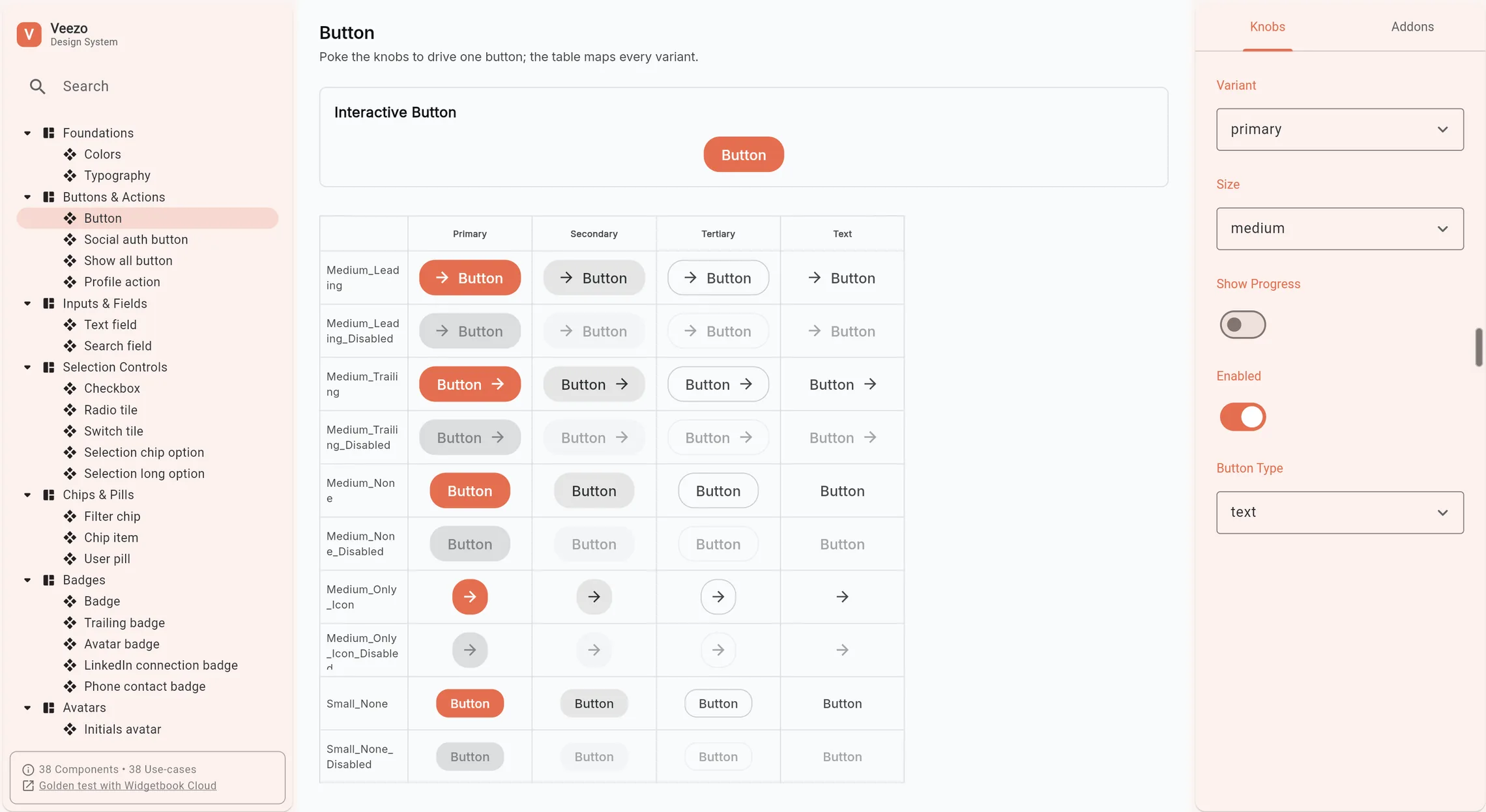
Storybook wasn't a practical fit for Flutter, which led me to Widgetbook. I started rebuilding our design system there, with Ivan's help and later the Figma MCP. The result was a reusable foundation of real Flutter components.
A flow is more than its happy path
Every flow also needs to handle loading, empty states, errors, validation, long text, missing data, small screens, permissions, network failures, partial results, retry states and unexpected input.
In Figma, covering these properly meant more frames, more variants and more documentation - expensive for a one-person design team. Now I could generate and test them directly in the product environment.
Instead of documenting edge cases, I could see them working before handoff.
In the AI era, the cost of a static design system isn't only how well it documents what exists - it's how quickly it can adapt to what becomes possible next.
AI made us faster and less consistent - it invented spacing and patterns that didn't belong to our system. The problem was no longer speed, it was control. So I rebuilt the design system as real Flutter components in Widgetbook, and edge cases became something I could see working instead of document.
The new workflow
1Define the problem - unchanged
The CEO surfaced a problem, we discussed it, I researched and came back with insights and directions.
2Explore through working variations
Instead of opening Figma, I generated rough working flows - many variations, far more options than I could have drawn by hand.
I brought the CEO a few directions that already looked like our product, so he didn't have to imagine the result from static screens. Once we aligned on one, I could continue building the full flow.
Backend work could start in parallel. When a new dependency surfaced mid-design, I asked Claude what the feature might require from the backend, confirmed it with the CEO, and kept building instead of waiting for a formal handoff.
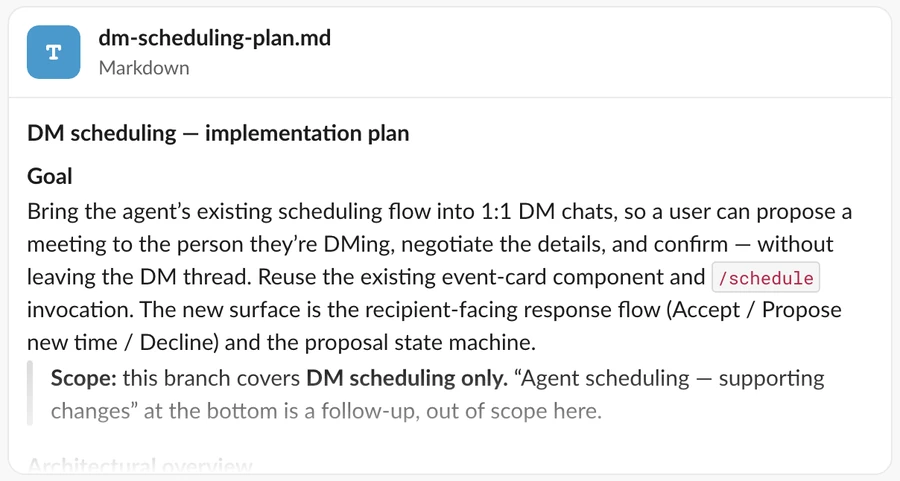
Instead of opening Figma I generated working variations, brought the CEO directions that already looked like our product, then built the flow and felt it in the simulator - keyboard, safe areas, touch targets, the actual feel of moving through it. By the time it reached Ivan, he reviewed code, not pixels.


3Build the flow, then feel it
This is where the payoff was biggest. I could make a change and see it in the simulator immediately - with everything Figma couldn't fully show:
Real screen constraints · Keyboard behavior · Safe areas · Scrolling · Touch targets · Micro-animations · Text rendering · Navigation · The actual feel of moving through the product
Not static screens, and not a prototype imitating behavior - a working Flutter implementation.
I no longer had to infer interaction quality from static screens. I could feel where the flow hesitated, where my fingers naturally went, and what became awkward on a real device.
4Ivan reviews code, not pixels
By the time the feature reached Ivan, it was already fairly mature. His role shifted from recreating the interface to reviewing and strengthening the implementation.
He focused on architecture, naming, reusability, performance, state management, Flutter best practices, consistency with the codebase, and whether logic belonged somewhere else. He made sure the result was scalable, maintainable and production-ready.
From handoff to pull request
The most important change wasn't the tool. It was the collaboration model.
Before, the process was sequential:
I designed → Ivan implemented → I reviewed → we corrected.
Now:
I built the first working version → Ivan reviewed and improved it → we discussed real behavior, real code and real constraints.
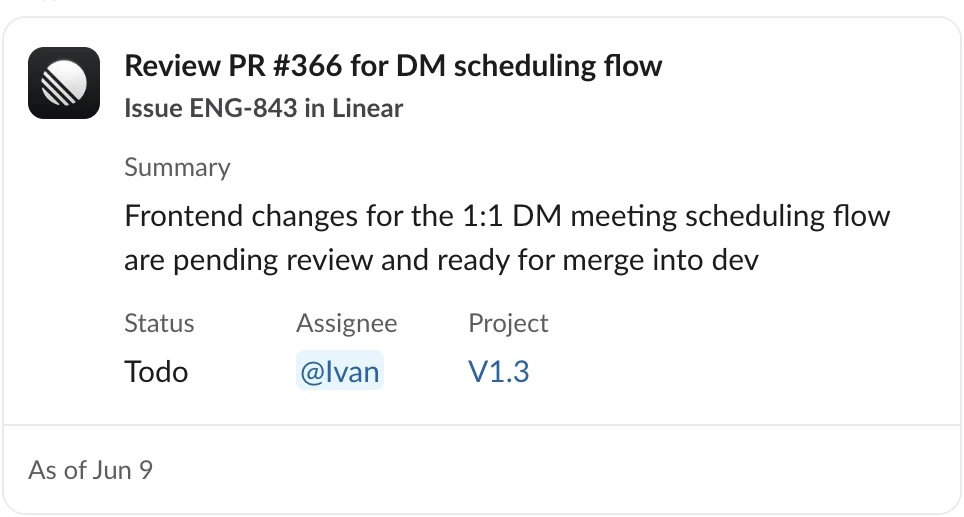
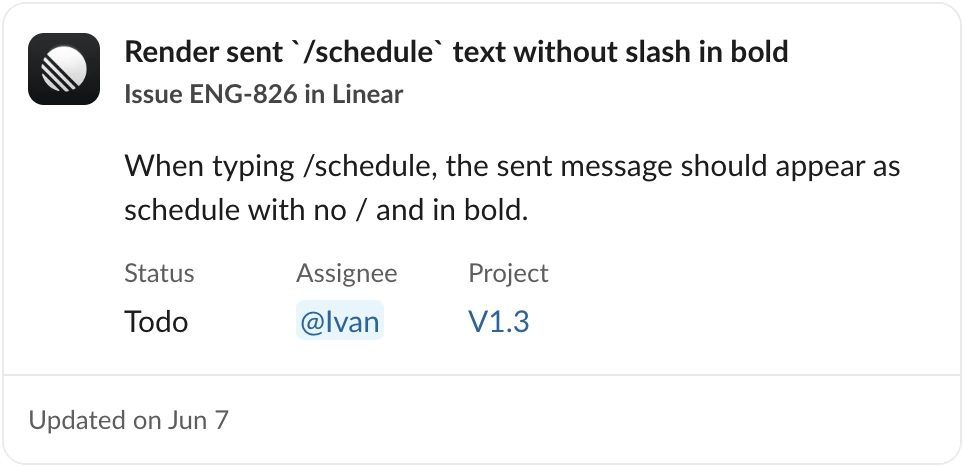
The PR became our shared artifact - not a Figma file on one side and an implementation on the other, but a working interface we could both point at.
We were a small, collaborative team to begin with. What changed is that we stopped passing intent across a gap.
The most important change wasn't the tool, it was the collaboration model. The PR became our shared artifact - a working interface we could both point at, instead of a Figma file on one side and an implementation on the other.
The outcome
- Speed. A flow went from about five days to about two. In a three-person team with one frontend developer, every implementation cycle mattered. Cutting that cycle freed engineering time for work that actually required engineering expertise.
- Fewer iteration rounds. Problems surfaced while the feature was still taking shape, not after it was built. Less to correct, less to explain, less waiting on someone else's queue.
- Less repetitive work for me. Spacing fixes, design system updates and handoff documentation stopped being separate tasks. They happened in the same place as the design.
- Edge cases stopped being a budget decision. More states could be covered earlier - and adding new ones no longer meant maintaining everything twice.
- Ivan's time moved toward engineering. He no longer had to start every UI task by recreating design intent from static files.
A flow went from about five days to about two, with fewer iteration rounds, more edge cases covered early, and Ivan's time back on engineering. The tooling changed; the judgment didn't - deciding what a flow should do, and what it should never do, is still the design work.
What I took from it
None of this was familiar when I started: Flutter, Widgetbook, working inside a repository, reading a PR. What I learned is that I pick up unfamiliar environments quickly when there's a real product on the other side of them.
The tooling changed. The judgment didn't.
Deciding what a flow should do - and what it should never do - is still the design work.